NocoDB gives you an Airtable-style experience over a database: spreadsheet grids, kanban and gallery views, forms to collect data, sharing links and real-time collaboration. For a team that thinks in spreadsheets, that surface is friendlier than any classic admin panel, and cartapel does not offer it.
The fit question is who owns the schema and where the configuration lives. NocoDB can connect to an existing Postgres or MySQL, but it layers its own metadata alongside and is happiest treated as the primary interface to the data. Views, fields and permissions are configured by clicking, so the state of your admin panel lives in its database rather than in files you can diff.
cartapel takes the opposite bet on both counts: your schema stays exactly as your application defined it and is only read, and every customization is HCL in your repository that goes through review like any other change.
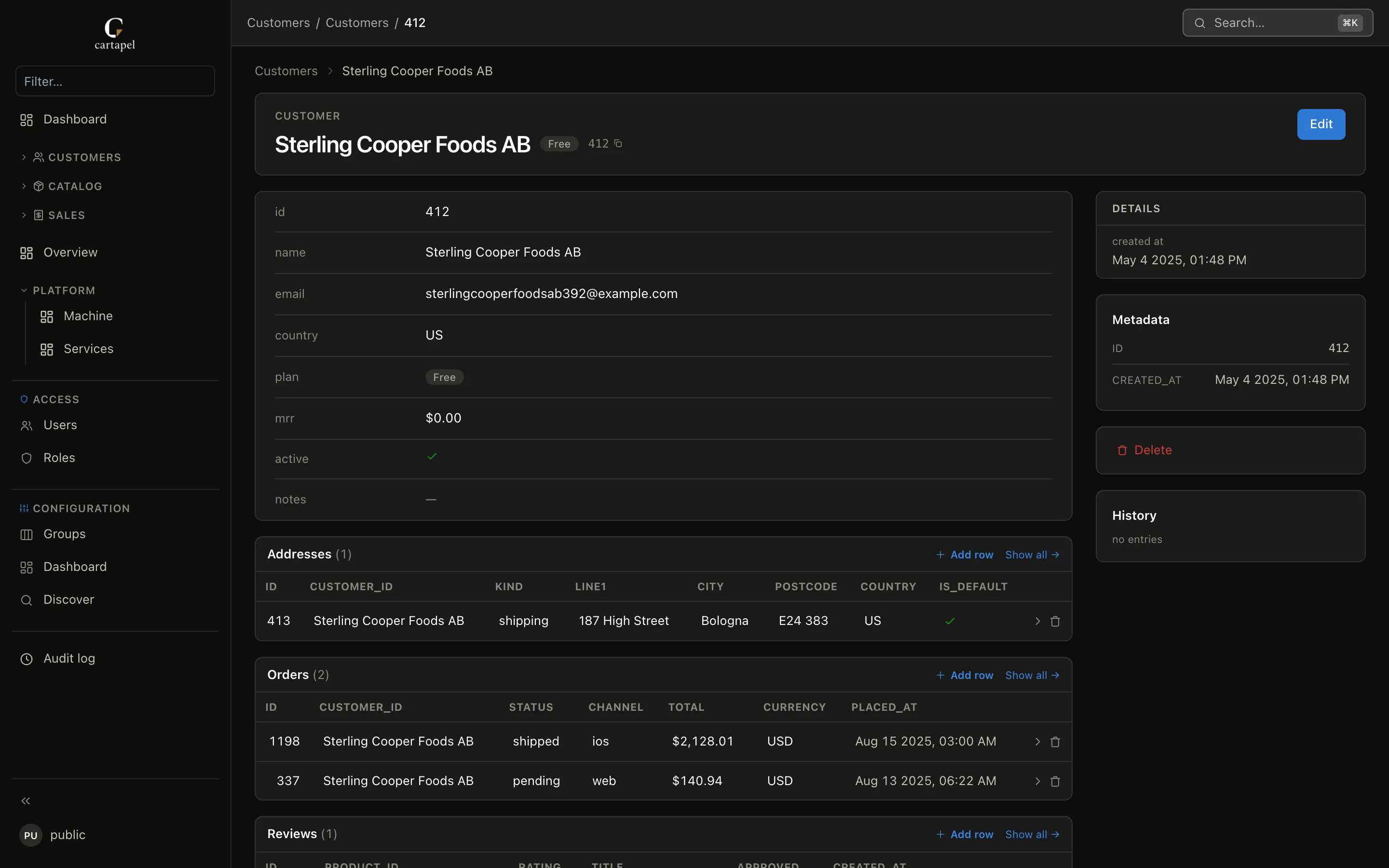
Relations come from the schema your application already defined — nothing to link up by hand.
Side by side
cartapel
NocoDB
Feel
Admin panel — lists, detail pages, forms, actions
Spreadsheet — grid, kanban, gallery, forms
Who owns the schema
Your application; cartapel only reads it
Connects to yours, but adds its own metadata
Configuration
Visual editor or HCL by hand — both produce files in git, reviewed in PRs
Clicked in the UI, stored in its database
Runtime
One Rust binary
Node services
Non-technical friendliness
Familiar admin UI, no grid editing across rows
Very high — it looks like a spreadsheet
Roles and column masking
Per table, column and row, with inheritance
Base and table level roles
Audit
Built in — before/after diff, one-click revert
Record-level history, varies by version
License
MIT, free, no seats
AGPL core with paid tiers
Yellow cells are nuanced — the sections below say why.
Where NocoDB is the better answer
Your users want a spreadsheet. Grid editing, kanban boards and gallery views are the point, and they are genuinely more approachable than a table of rows.
Forms and shared links. Collecting data from people outside the team is built in.
The data has no application behind it. If nothing else writes to these tables, letting NocoDB own them is reasonable.
Nobody wants to write config. Clicking is faster than a pull request when there is no reviewer to satisfy.
Where cartapel is the better answer
The database is production. An application owns the schema, migrations come from your repository, and the panel must adapt to them rather than the other way round.
Clicking is fine — losing the trail is not. The built-in editor covers tables, fields, permissions, actions and dashboards, but it publishes HCL into your repository, so who can see which column is a reviewable line in a file rather than a checkbox someone toggled last quarter.
Sensitive columns. Secret-shaped fields are masked by default and per-column permissions are first-class.
One process to deploy. A single binary rather than a set of Node services.
The short version
Pick NocoDB if You are starting from a spreadsheet and want a database underneath it.
Pick cartapel if You are starting from a production database and want a panel over it.
No login. Click anything — the demo resets on a schedule.
Questions people actually ask
Will cartapel change my tables?
No. It never issues DDL. Tables are an allowlist — nothing is exposed until you register it — and its own state lives outside the database it administers.
Can non-technical staff use cartapel?
Yes — the panel is an ordinary admin UI with search, filter chips, inline editing and confirmable actions. What they do not get is spreadsheet-style bulk editing across a grid.
Is there an import?
CSV import exists for tables you allow, with the same permission and audit rules as any other write.